


🚗 Wireless CarPlay & Android Auto Adapter – Keep Your Screen, Lose the Phone Cable
🚗 Wireless CarPlay & Android Auto Adapter – Keep Your Screen, Lose the Phone Cable


BUNDLE & SAVE
Couldn't load pickup availability
-
Ordered
- - -
Order Ready
- - -
Delivered

🚗 Wireless CarPlay & Android Auto Adapter – Keep Your Screen, Lose the Phone Cable
Wireless CarPlay & Android Auto Adapter
Keep the Dashboard.
Skip the Phone Cable.
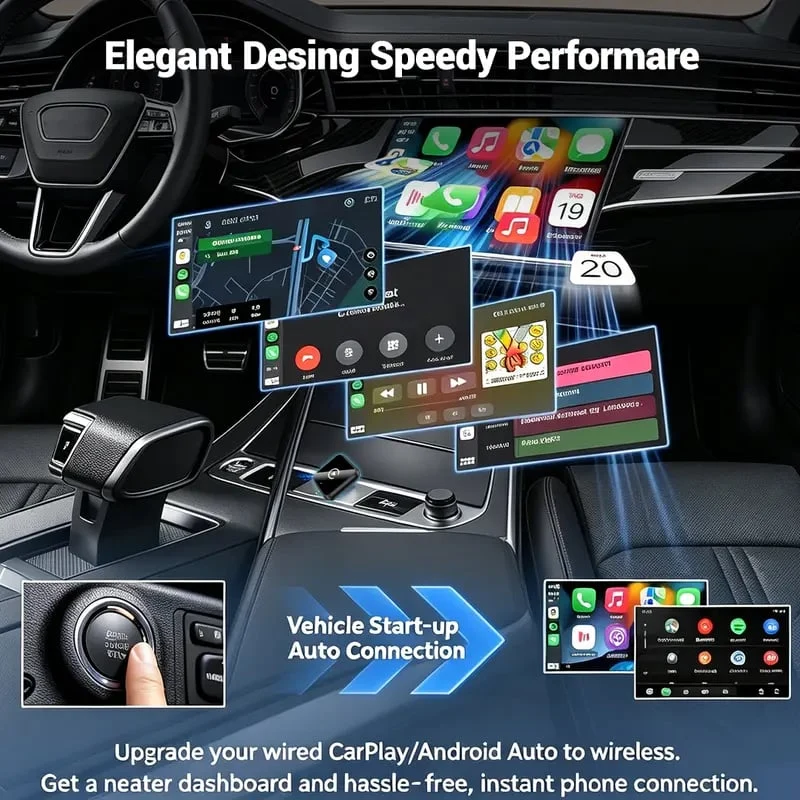
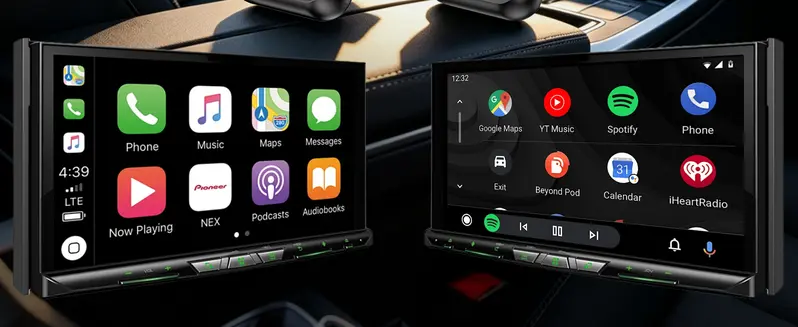
Turn a compatible built-in wired CarPlay or Android Auto system into a wireless connection for your everyday drive.
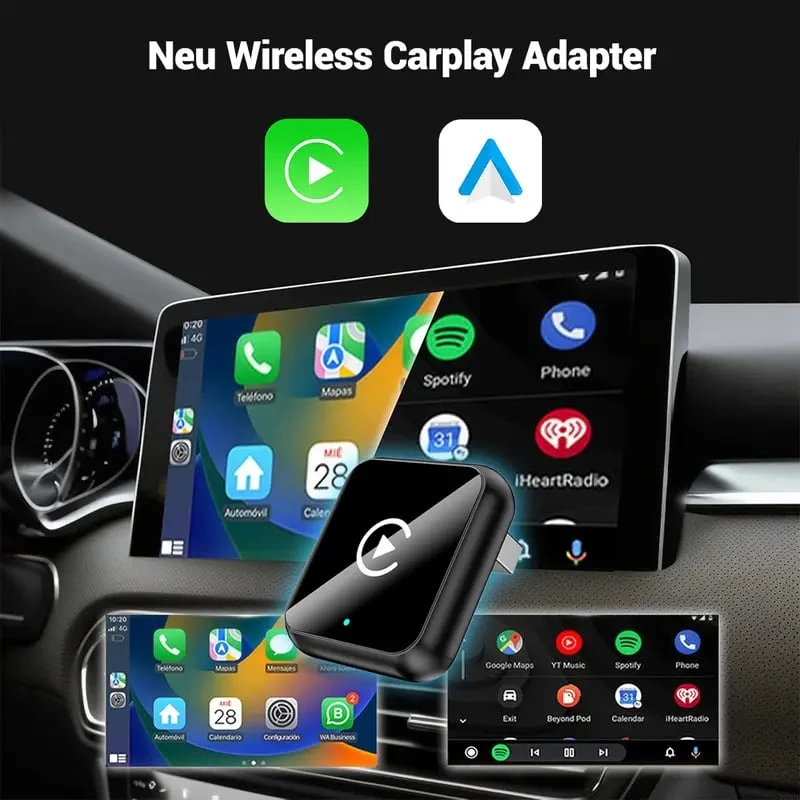
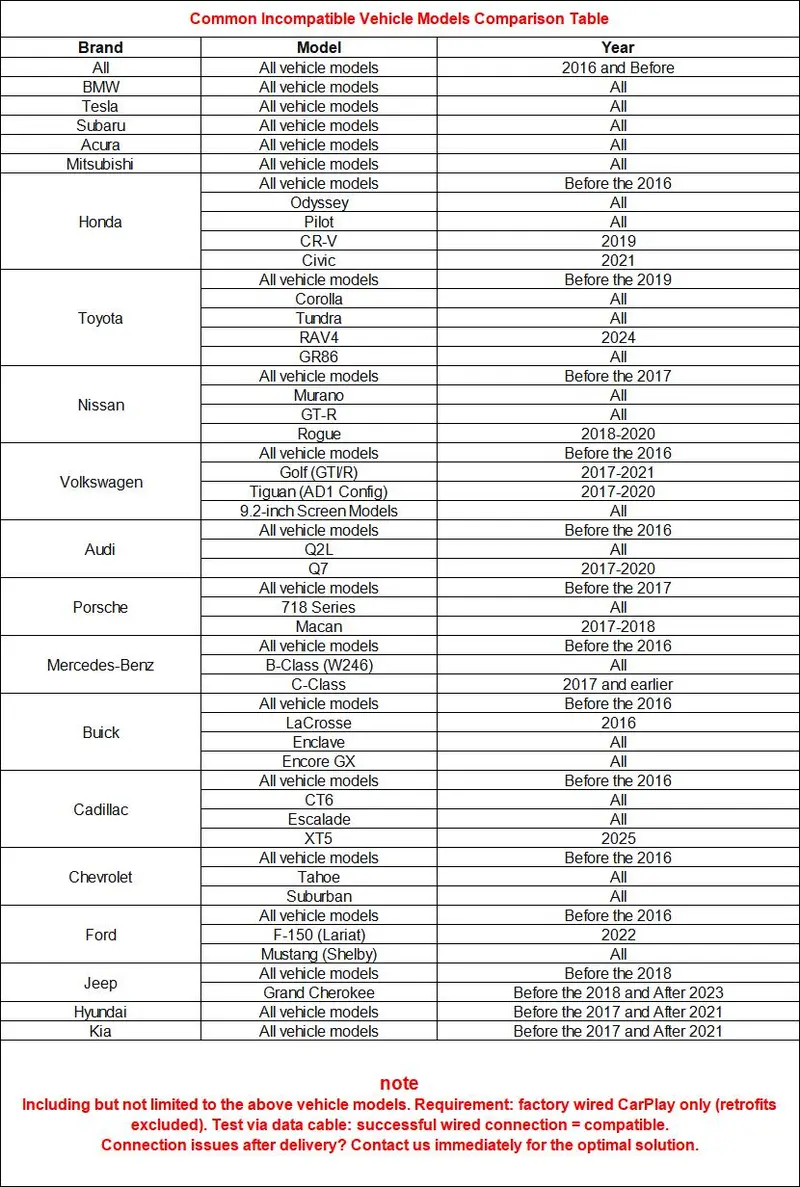
Check Your Car First
Already Have Wired CarPlay or Android Auto?
This adapter upgrades an existing compatible wired system. It does not add CarPlay or Android Auto to a vehicle that doesn’t already support it.
A useful first check: Connect your phone directly to the car by USB. Confirm that wired CarPlay or Android Auto opens on the vehicle display.
Your Familiar Connected Drive
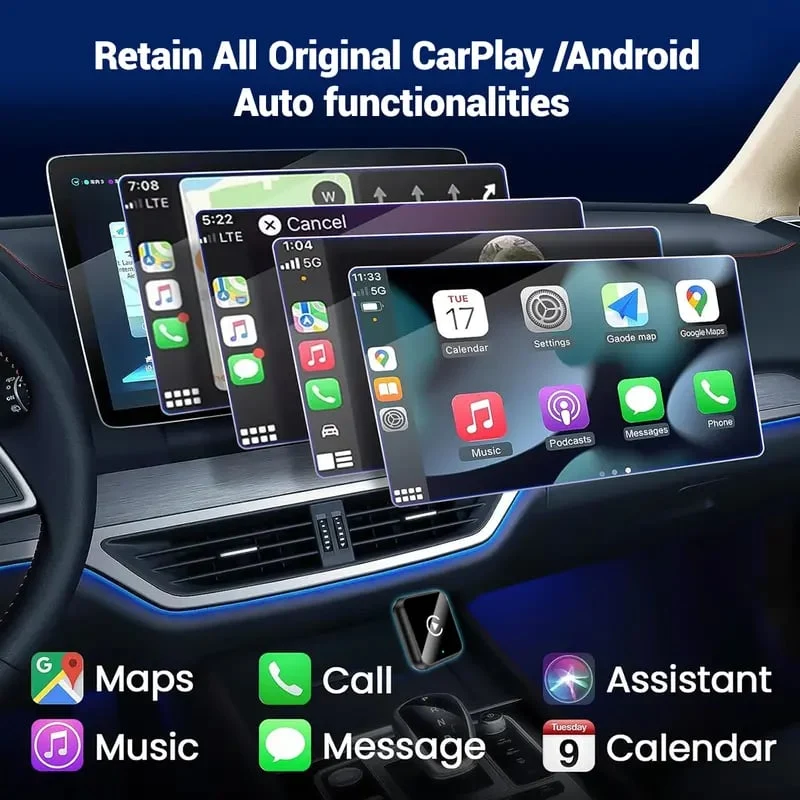
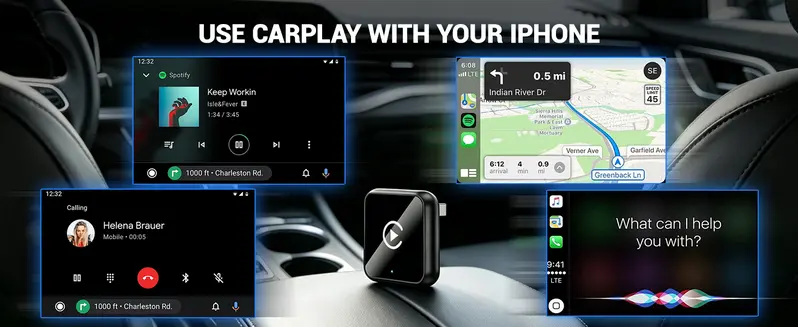
Maps, Music, and Calls on the Screen You Know
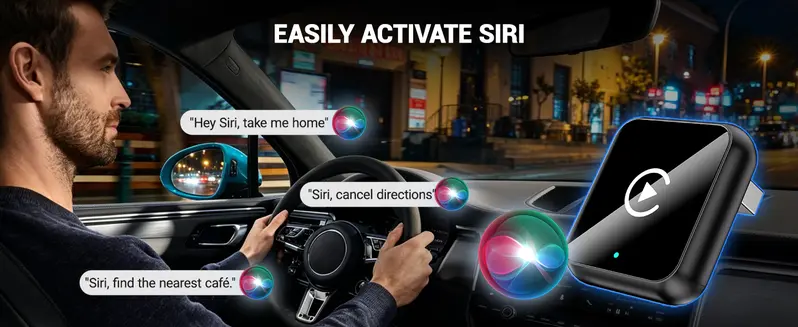
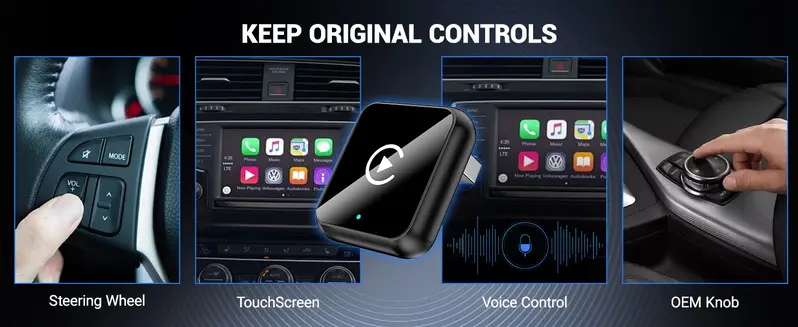
Use supported phone features through your existing vehicle display, with compatible touchscreen, steering-wheel, and voice controls.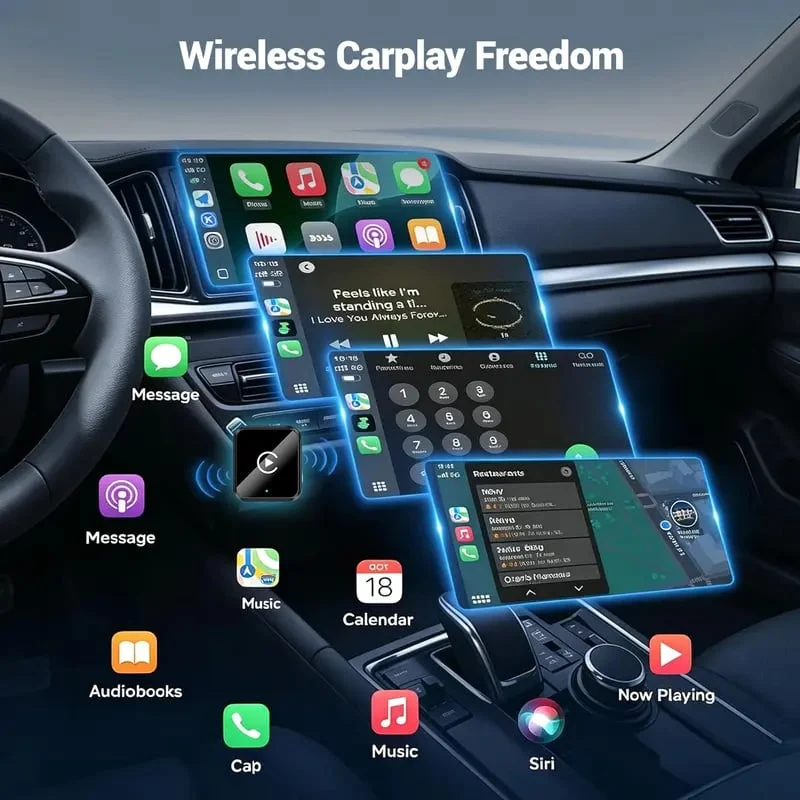
Connect Once You’ve Checked Compatibility
A Small Change to Your Daily Setup
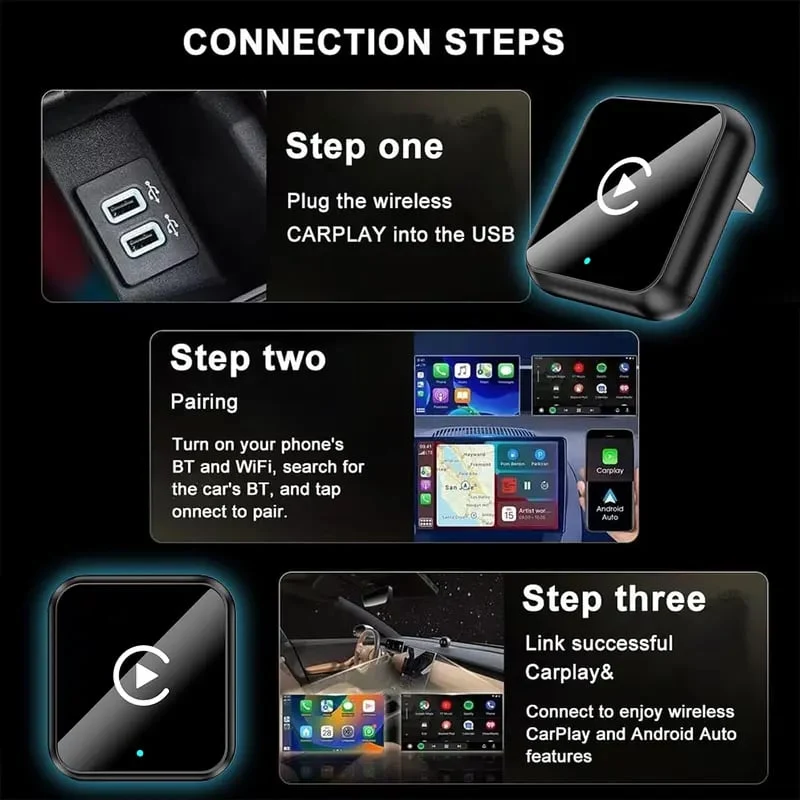
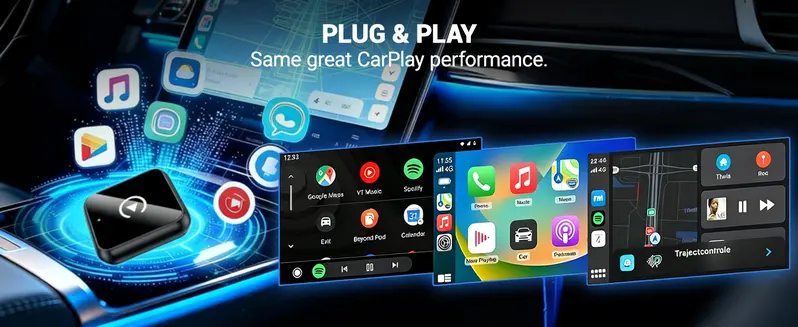
Connect the adapter to the vehicle’s compatible data port, then follow the supplied instructions to pair your phone.
Confirm the system. Test wired CarPlay or Android Auto with your phone.
Connect the adapter. Use the appropriate included cable for your vehicle’s port.
Follow the pairing guide. Complete setup before starting your drive.
Choose Your Finish
A Color That Suits Your Console
Choose Burgundy Red, Glacier Blue, Champagne, Silvery, Black, or Gray from the available purchase options.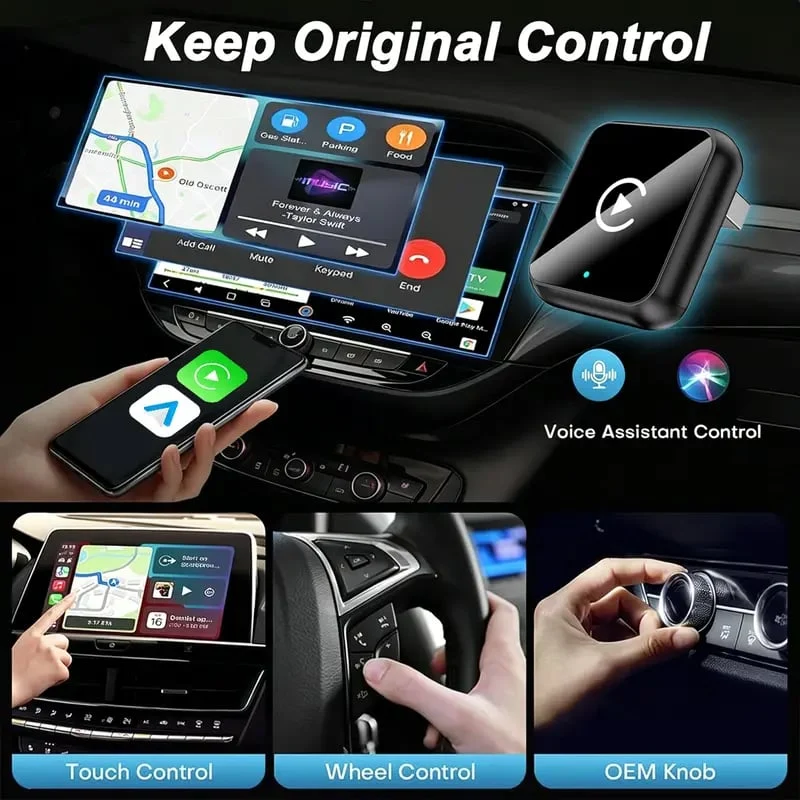
Fit, Function & Box Contents
Know What You’re Adding
Function |
Wired-to-wireless CarPlay / Android Auto conversion |
|---|---|
Vehicle Requirement |
Compatible built-in wired CarPlay or Android Auto |
Listed Phone Requirements |
iOS 10.0+ or Android 11.0+; vehicle and phone compatibility required |
Vehicle Port |
Compatible USB data port supplying at least 1A |
Body Material |
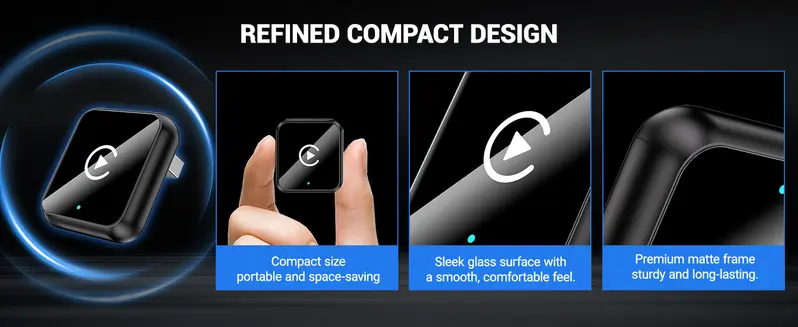
Metal and glass |
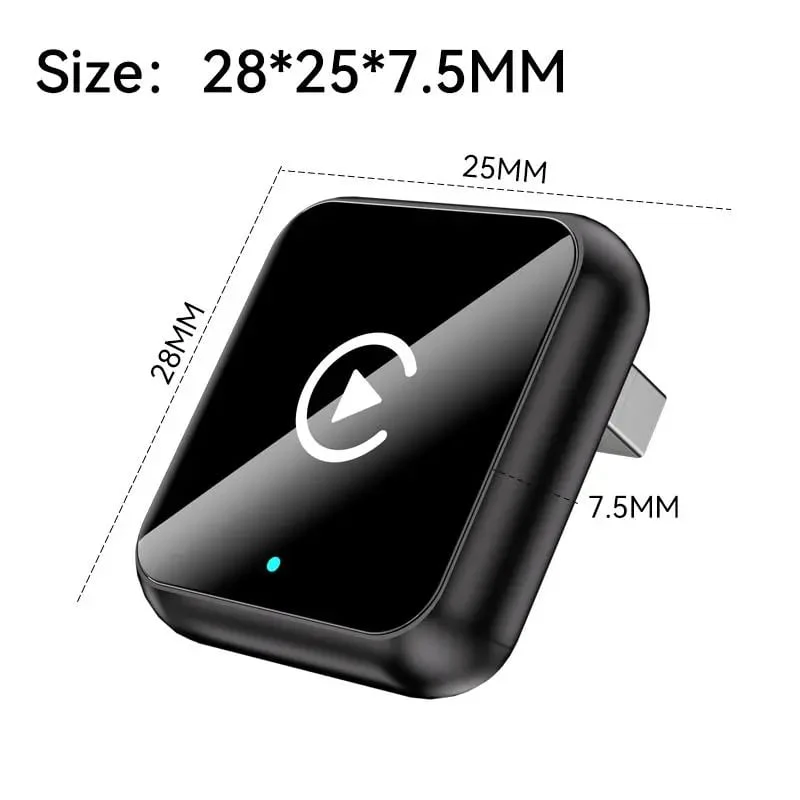
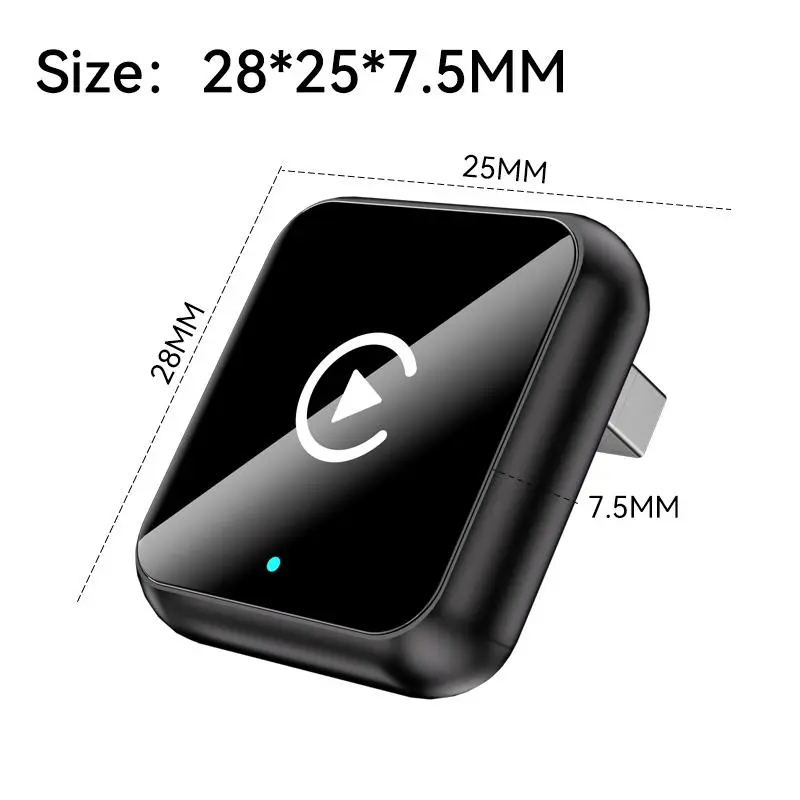
Illustrated Black Model Size |
28 × 25 × 7.5 mm / approximately 1.10 × 0.98 × 0.30 in |
Listed Package Contents |
Adapter, USB Type-C cable, USB cable, and outer box |
Will it work with any car that has a USB port?
No. A USB port alone is not enough. The vehicle must already have compatible built-in wired CarPlay or Android Auto.
Can I return to the original wired setup?
Yes. Disconnect the adapter and reconnect your phone using the vehicle’s original wired method.
Explore the Original Images
Take a Closer Look Before You Choose
View the original description image gallery
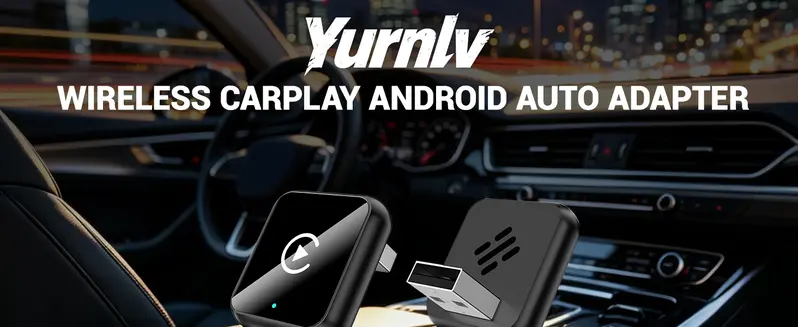
One Less Cable in Your Routine
Make Your Compatible Wired System Wireless.
Keep the display and features you already use, with a simpler phone connection for everyday trips.


